

Payment Through BDO ATM
1. Go to any BDO ATM nationwide. For the list of BDO ATMs, refer to the BDO website.
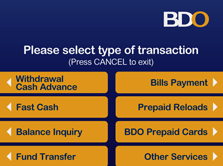
2. Select the Bills Payment option.
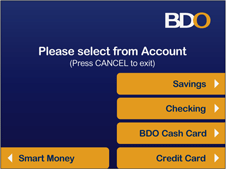
3. Select the account to be debited.
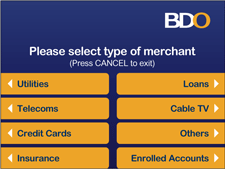
4. Select "Others" (type of merchant).
5. Select "PSA Serbilis (Unisys)".
6. Enter the Total Amount Due to be paid.
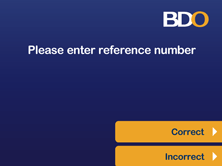
7. Enter the Reference Number.
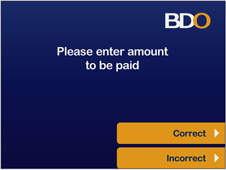
8. Confirm your payment.
9. Keep the transaction receipt. This will serve as your proof of payment made via the BDO ATM.
IMPORTANT: If the BDO ATM cannot issue a transaction receipt, you are advised to cancel the transaction. Please proceed to another BDO ATM. For inquiries, please contact BDO Customer Service.